Whether you’re a small business owner, a digital marketer, or a creator of a personal brand, your visuals say a lot about your professionalism and the value of your product or service. But here’s the truth – not everyone can afford premium software like Adobe Photoshop or Lightroom.
The good news? You don’t have to.
There are dozens of free photo-editing apps available that can provide you with near-professional quality without the professional price. They are powerful, easy to use, and designed to make your brand visuals authentically shine, even if you’re not a professional editor.
In this resource, we will break down the best free photo-editing apps for business and branding, highlighting what makes them unique, what they’re best suited for, and how to use them to reinforce your brand’s identity.
Why Visuals Matter So Much for Businesses
Before diving into the list, let’s talk about why investing time in photo editing even with free tools is crucial for your brand’s success.
1. First Impressions Happen Visually
Your customers form an opinion about your business in less than a second. A clean, well-edited photo communicates professionalism, trust, and quality long before a customer reads your caption or description.
2. Strong Visuals Build Brand Identity
Consistent color tones, lighting styles, and design layouts help your audience recognize your brand instantly. A well-edited photo looks intentional and that’s how you build brand trust.
3. Edited Photos Drive Engagement
On social platforms like Instagram, Facebook, and LinkedIn, visual appeal is everything. A well-edited photo draws more likes, comments, and shares helping you grow organically.
4. Free Tools Save You Time and Money
The right photo editing apps let you edit anywhere, anytime, on your phone or laptop. Many are cloud-based, meaning your work is saved automatically and accessible across devices.
So let’s explore the best free photo editing apps that can help you make your visuals look professional without spending a cent.
1. Canva – Best for Branded Content and Social Media
Canva has become a household name for anyone who creates content online. It’s not just a photo editor — it’s an all-in-one design platform that helps you create everything from social media posts to business cards and email headers.
Why it’s great:
- Super easy drag-and-drop interface
- Thousands of templates for marketing, branding, and advertising
- Built-in free stock photos and icons
- Quick photo editing options like filters, brightness, and background blur
Perfect for:
- Entrepreneurs
- Social media managers
- Marketers and small businesses
Pro tip:
Create a brand kit inside Canva. Upload your logo, choose your brand fonts, and save your color palette. This ensures every post you design looks consistently “you,” no matter who’s making it.
Bonus: The free plan offers everything you need to make professional content. But if you ever upgrade to Pro, you’ll get AI background removers, Magic Resize (for resizing posts to different formats instantly), and more templates.
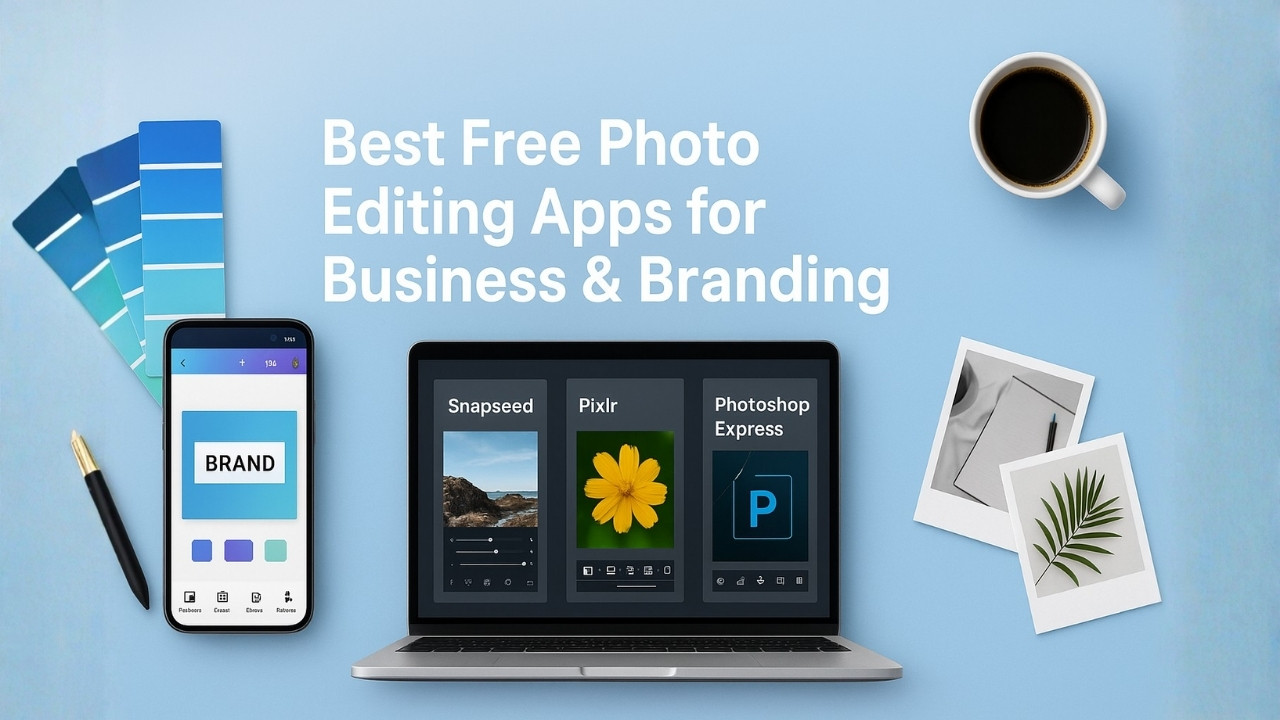
2. Snapseed – Best for Professional-Quality Photo Retouching
Developed by Google, Snapseed is one of the most feature-rich free photo editing apps available on Android and iOS. It gives you professional-level control while keeping things intuitive.
Key features:
- Advanced adjustment tools (exposure, curves, saturation, etc.)
- Selective editing — modify brightness or contrast in specific areas
- Healing tool for blemishes or distractions
- HDR and portrait enhancement filters
- Works with RAW files
Why businesses love it:
Snapseed is perfect for businesses that rely on product photos, portraits, or lifestyle shots. It lets you fine-tune images to match your brand’s tone clean, natural, and balanced.
Pro tip:
Use the “Tune Image” and “Details” tools together for perfect lighting and sharpness. Your product photos will instantly look more polished and studio-ready.
3. Pixlr – Best for Quick Online Edits
Need to edit something fast without downloading software? Pixlr is your go-to. It’s an online-based editor that runs smoothly in your browser.
Why it stands out:
- Two versions: Pixlr X (simple) and Pixlr E (advanced)
- Includes layers, filters, and AI-powered background remover
- Supports most photo formats, including PSD files
- Works directly from your browser no installation needed
Perfect for:
Small business owners who quickly need to edit images for websites, product catalogs, or ads.
Pro tip:
Use the AI Auto Fix option it automatically adjusts brightness, contrast, and color to make your image pop instantly.
4. Adobe Photoshop Express – Best for On-the-Go Editing
For those who love Adobe’s quality but not the subscription price, Photoshop Express offers a compact, mobile-friendly alternative.
Key highlights:
- One-tap filters and correction tools
- Blemish removal, spot healing, and crop options
- Collage and watermarking features
- Integration with Adobe Creative Cloud
Perfect for:
Brands that rely on mobile editing for social media. It’s ideal for marketers who want professional edits while traveling or posting in real time.
Pro tip:
Use the “Auto Enhance” option before applying filters. It sets a clean foundation for your final look and keeps colors consistent with your brand theme.
5. Fotor – Best for All-in-One Editing and Design
Fotor is an excellent option if you want to handle photo enhancement and graphic design in one app. It’s beginner-friendly but still packed with professional features.
What you get:
- Advanced photo filters and retouching tools
- AI-powered one-click enhancement
- Background remover and collage maker
- Templates for ads, thumbnails, and social media
Why it’s great for business:
Fotor’s mix of photo editing and design tools makes it perfect for eCommerce brands, startups, and marketers who need to produce multiple visual assets regularly.
Pro tip:
Use Fotor’s batch editing feature to edit multiple product photos at once, a lifesaver for online stores.
6. Photopea – Best Free Photoshop Alternative
If you’ve ever wished for a browser version of Photoshop, meet Photopea. It’s a free web app that looks and works almost exactly like Adobe Photoshop.
Key features:
- Supports PSD, XD, Sketch, and RAW files
- Advanced layer and masking tools
- Keyboard shortcuts identical to Photoshop
- 100% free and browser-based
Perfect for:
Designers, marketers, or businesses that need advanced editing but can’t justify Photoshop’s monthly cost.
Pro tip:
Use it for designing mockups, marketing materials, and even social banners. It’s ideal for professionals familiar with Photoshop but wanting a lightweight, free version.
7. PicsArt – Best for Creative Branding and Social Posts
If you want your visuals to stand out and feel alive, PicsArt is where creativity meets simplicity. It’s loaded with tools that let you go beyond standard editing perfect for storytelling and brand personality.
Why it’s great:
- Filters, overlays, and artistic effects
- Background removal and AI photo enhancement
- Text tools and customizable templates
- Stickers, frames, and trending design elements
Perfect for:
Fashion, beauty, or lifestyle brands that want eye-catching, scroll-stopping content.
Pro tip:
Use the template feature to create a consistent visual style for your brand. Once you’ve set it up, updating your visuals becomes super fast.
8. GIMP – Best Desktop Alternative for Advanced Editing
If you prefer editing on your computer and want a powerful free alternative to Photoshop, GIMP (GNU Image Manipulation Program) is unbeatable.
Highlights:
- Full-featured layer-based editing
- High-quality filters and color correction tools
- Works with Photoshop plugins
- Available on Windows, Mac, and Linux
Perfect for:
Photographers, designers, and agencies who want complete control over their images.
Pro tip:
Combine GIMP with free stock photo sites like Pexels or Unsplash for powerful content creation without any software costs.
9. BeFunky – Best for Quick, Polished Marketing Visuals
BeFunky makes photo editing, collage creation, and graphic design incredibly easy. It’s one of the most user-friendly browser tools available.
Key features:
- AI-based enhancement tools
- Resize and crop presets for social platforms
- Batch editing for product photos
- Collage templates and text overlays
Perfect for:
Business owners who want clean, minimal visuals for social media, websites, or email campaigns.
Pro tip:
Use BeFunky’s Resize for Social Media feature to instantly generate perfect post dimensions for Instagram, LinkedIn, and Facebook.
Bonus: Combine Free Apps with Professional Photo Editing Services
While these free tools are powerful, sometimes your brand visuals require that extra touch especially if you’re preparing for an ad campaign, product launch, or website redesign.
That’s where professional photo editing services come in.
Professional retouching services like Photoretouchify offer expert-level adjustments that go beyond what most free apps can achieve, including:
- Advanced color correction
- Background cleanup and masking
- Product photo retouching
- Model skin and portrait retouching
- Shadow creation and reflection effects
By blending DIY editing with professional photo editing services, businesses get the best of both worlds: creativity, speed, and precision.
Final Thoughts
Your brand visuals are more than just pictures they’re your digital handshake.
Even if you don’t have a professional studio or paid editing software, the right free tools can help you deliver a premium, consistent brand image that builds trust and recognition.
Here’s the takeaway:
- Use Canva for your marketing and branding templates.
- Try Snapseed or Pixlr for powerful, natural edits.
- Go with Photopea or GIMP for more advanced, desktop-style editing.
- Use PicsArt or BeFunky for eye-catching, creative posts.
Each of these best free photo editing apps can help you create professional visuals that match your brand’s tone elegant, bold, minimalist, or playful.
You don’t need expensive tools to look professional.
You just need the right mix of creativity, consistency, and the apps that fit your workflow.
So, go ahead explore these tools, experiment with edits, and take your business visuals to the next level.
Leave a Reply