

A single image can capture reality, but a well-crafted composite can create an entirely new world. By combining multiple photographs into one seamless scene, composite image Photoshop techniques enable designers and photographers to produce breathtaking visuals for advertising, entertainment, and digital art.
Whether you’re creating cinematic posters, fantasy landscapes, or eye-catching social media graphics, learning how to build composite pictures in Photoshop can significantly improve your editing skills. For readers who want to explore more advanced creative editing techniques, check out our guide on Digital Photo Manipulation: https://photoretouchify.com/blog/digital-photo-manipulat
What Is a Composite Image in Photoshop?
A composite image Photoshop project combines two or more separate photographs into a single unified composition. Using layers, masks, adjustment tools, and blending techniques, editors make every element appear as though it naturally belongs within the same scene.
Unlike simple photo editing, compositing involves building an entirely new visual by merging different assets. The final result should look realistic, balanced, and professionally integrated even when it contains elements captured at different locations or times.
Why Composite Pictures in Photoshop Are So Popular
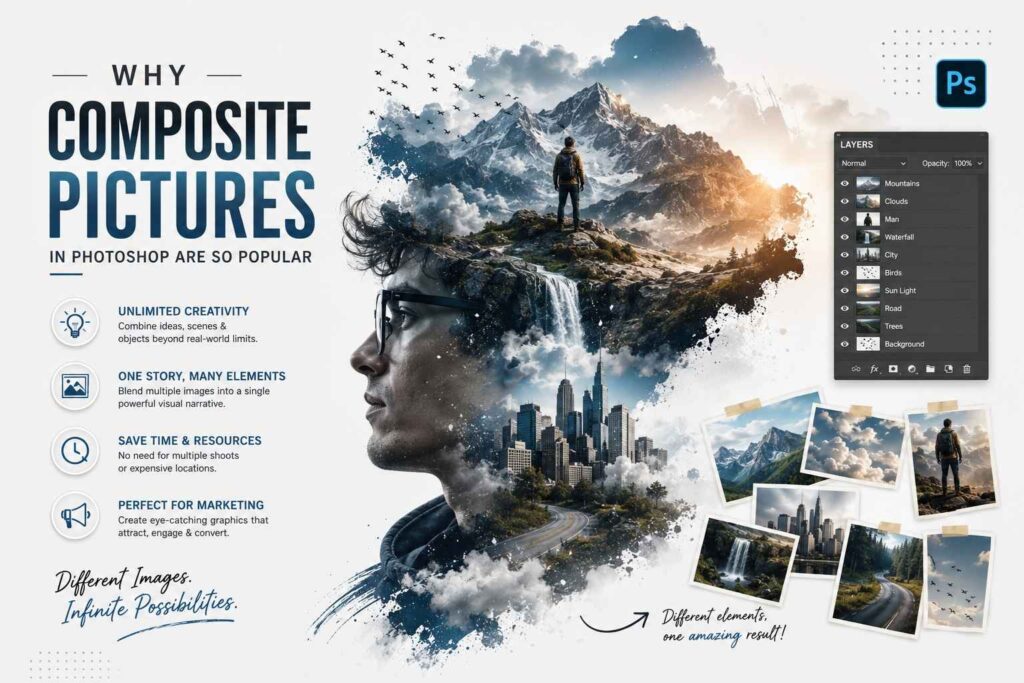
In the age of digital marketing, eye-catching graphics play an important role and using composites in Photoshop provides limitless opportunities for creativity. Rather than arranging expensive photoshoots and making travel arrangements to many locations, one could use different images and merge them into a single work of art.
Thus, it is possible to create something interesting, whether it be storytelling, advertising, fantasies, or any other type of graphic design.
Essential Tools Used for Photoshop Composites
Layers and Layer Masks
The layering technique is essential for creating successful composites in Photoshop because everything must be done independently and on different layers. The use of layers makes it easier to edit images as you can make parts of the image visible or invisible through layer masks.
Selection Tools
Selections are essential when separating an object from its background. In Photoshop, there are many ways in which a selection can be made of an object. This will enable the editor to make a clean composite without noticeable cutting lines.
Adjustment Layers
Selections are essential when separating an object from its background. In Photoshop, there are many ways in which a selection can be made of an object. This will enable the editor to make a clean composite without noticeable cutting lines.
Blend Modes
Blending modes are responsible for interaction between two layers and can result in the creation of impressive lighting and texture effects. Trying out various blending modes helps editors achieve a more realistic look when mixing elements together.
Step-by-Step Process for Creating a Composite Image Photoshop Project
Start With a Clear Concept
A great composition project using Photoshop always starts with preparation. One should think about his/her idea, mood, and overall atmosphere before launching the program. With a proper concept, one will be able to find good pictures and remain consistent while working on them.
Collect High-Quality Source Images
A great composition project using Photoshop always starts with preparation. One should think about his/her idea, mood, and overall atmosphere before launching the program. With a proper concept, one will be able to find good pictures and remain consistent while working on them.
Remove Backgrounds Carefully
Clean subject extraction is one of the most important stages in compositing. Taking time to refine edges around hair, clothing, or transparent objects prevents obvious cutout effects and helps integrate subjects naturally into their new environment.
Match Colors and Lighting
Even if the subjects are perfectly cut out, they will look artificial when there is a mismatch between their color or lighting and that of the background. This can be achieved by using adjustment layers to unify the lighting in all elements within the picture.
Common Uses for Composite Pictures in Photoshop
Advertising Campaigns
Even if the subjects are perfectly cut out, they will look artificial when there is a mismatch between their color or lighting and that of the background. This can be achieved by using adjustment layers to unify the lighting in all elements within the picture.
Movie Posters and Entertainment
The film industry depends highly on photoshopped composites in order to produce marketing materials. Designers integrate actors, backgrounds, visual effects, and type design in creating posters that set a cinematic mood and tell the movie’s story.
Fantasy and Digital Art
Artists frequently create surreal worlds by combining landscapes, animals, architecture, and people into impossible yet visually convincing scenes. These imaginative compositions showcase creativity while demonstrating advanced technical editing skills.
Social Media and Content Creation
Unique visuals help creators stand out on crowded social platforms. Composite artwork attracts attention because it offers viewers something unexpected while maintaining a polished and professional appearance.
Tips for Making Photoshop Composites Look Realistic
Pay Attention to Shadows
Shadows anchor objects within a scene and indicate where light originates. Adding realistic shadows beneath inserted elements helps them feel naturally connected to their environment and prevents a floating appearance.
Match Perspective
Perspective inconsistencies are among the quickest ways to expose poor compositing. Ensuring that camera angles and horizon lines align across source images creates a more believable final composition.
Maintain Similar Color Temperature
Warm and cool tones should remain consistent throughout the image. If one photograph was captured under daylight and another under artificial lighting, careful color grading is necessary to blend them seamlessly.
Add Final Global Adjustments
After combining all elements, apply overall color grading and subtle sharpening to unify the image. Global adjustments make separate assets feel like they originated from the same camera and shooting conditions.
Common Mistakes to Avoid
Many beginners focus only on cutting out subjects while overlooking lighting and perspective. Visible edges, inconsistent shadows, and mismatched colors quickly reduce realism and distract viewers from the intended message.
Another frequent mistake is overcrowding the composition with unnecessary objects. Simpler layouts often communicate ideas more effectively and allow the primary subject to remain the focal point.
Benefits of Learning Composite Image Photoshop Techniques
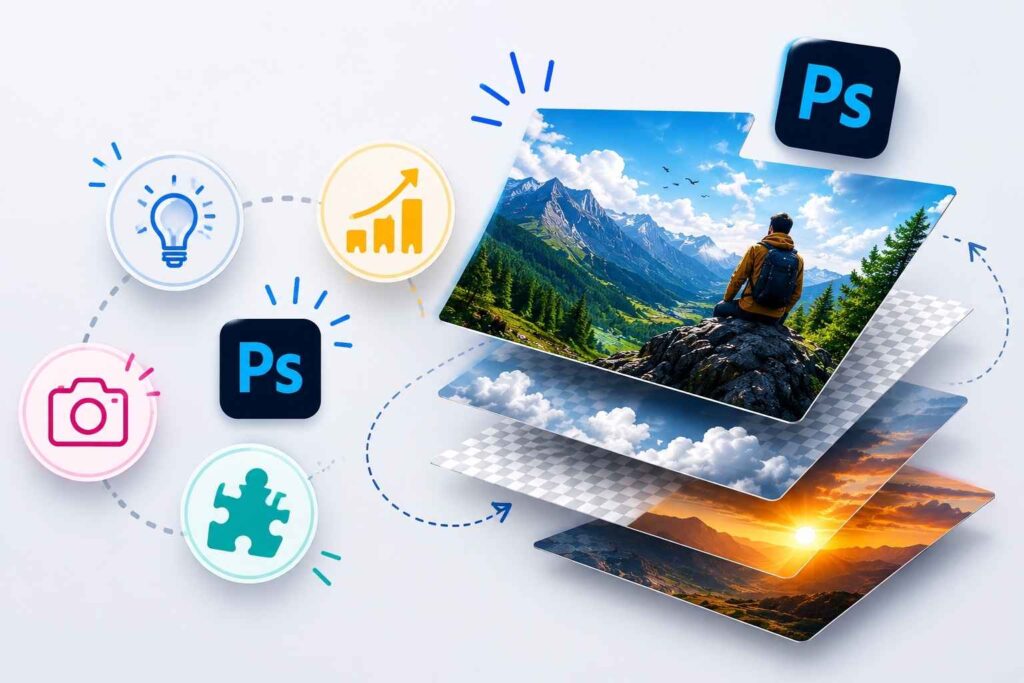
Learning how to create composite images in Photoshop opens up possibilities in many fields of photography, advertising, publishing, and entertainment. It allows the photographer to create images that would be impossible or too costly to photograph using traditional photography techniques.
Furthermore, compositing develops problem-solving skills as the editor is forced to use critical thinking when dealing with aspects like perspective and lighting.
Best Practices for Professional Photoshop Composites
Organize Your Layers
Clearly naming and grouping layers keeps complex projects manageable and simplifies future revisions. Organized files save time when collaborating with clients or revisiting older work.
Work Non-Destructively
Using smart objects, adjustment layers, and masks preserves the original images throughout the editing process. This approach provides greater flexibility and reduces the risk of irreversible mistakes.
Zoom In Frequently
Inspecting your work at high magnification helps identify rough edges, halos, or blending issues that might otherwise go unnoticed. Small corrections often make a significant difference in the final presentation.
Conclusion
Knowledge of how to use composite images in Photoshop is an avenue to endless creativity. It can be used to create art work and advertising campaigns as well as movie posters and any other social media graphics by combining photos to create meaningful imagery.
Having knowledge of how to use masks, color correction, perspective, and lighting will give you skills of creating believable composite images using Photoshop.
Leave a Reply