

Visual presentation in today’s digital-first marketplace has become more important than ever in establishing credibility. Whether you are selling products online, promoting a fashion campaign, or creating a brand on social media, your first impression to customers is almost always visual. Customers evaluate the image first, before reading descriptions or comparing prices. That is why many brands invest early in professional photo retouching services to ensure their visuals meet commercial standards from the very beginning.
A distracting or poorly removed background can quickly ruin a solid image, as can any other thing that detracts from it. AI based background remover tools have changed the way we think about editing. What used to require a lot of time and effort in manually masking with professional level editing software is now completed in seconds. The convenience of automation allows everyone from small business owners to marketing teams access to background editing, though high-end brands still depend on photo retouching services for final polish.
With speed and convenience provided by AI, this does not mean you cannot get the same precision as you would through professional photo retouching services, especially for luxury campaigns and large-scale advertising. This article will identify some of the best AI-based background remover tools available, how they perform in real life applications, and when to utilize automation and when it is vital to use professional photo retouching services.
The Growing Importance of Background Removal in Modern Marketing
The use of an uncluttered background is far more than simply keeping images interesting. Different backgrounds impact how people perceive things. The fact that an item has an attractive and careful high quality image suggests it is trustworthy when compared to those with sharp edges or shadows that appear unrealistic. Businesses that invest in professional photo retouching services consistently maintain higher visual standards across platforms.
Many eCommerce merchants will have their images rejected by major marketplaces; particularly Amazon, due to their guidelines which specify the types of backgrounds that can appear on main product images when dimensions and angles vary. To avoid compliance issues, companies often turn to specialized Background Removal Services to ensure marketplace approval. Fashion and Beauty companies rely heavily on Background Removal Services to guarantee consistency from campaign to campaign. Corporate marketing teams also integrate Background Removal Services into their workflows to maintain brand credibility.
However, in addition to establishing compliance and branding, the addition of an uncluttered background opens up design options. When a product is cut out from its background, it becomes easier for a designer or marketer to reuse that particular image on banners, advertisements, landing pages, catalogs and print materials. This flexibility is one reason why Background Removal Services are now bundled within broader photo retouching services offered by professional editing studios.
For this reason, Background Removal Services have become one of the most in-demand solutions within modern photo retouching services.
How AI Background Remover Tools Work
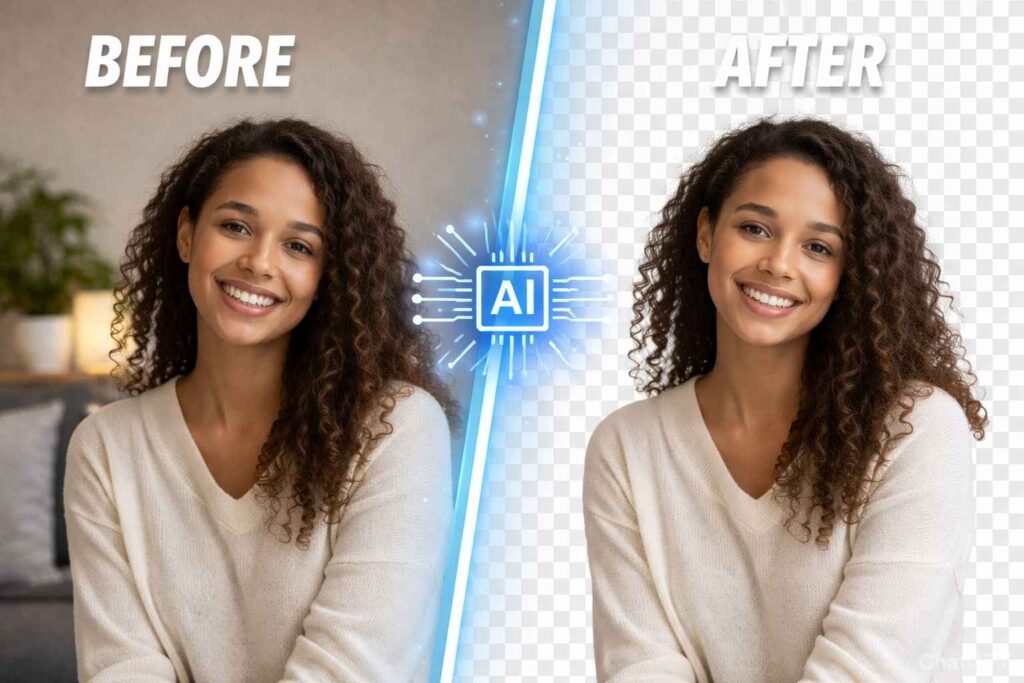
Deep learning segmentation models are used to develop AI background removers, and they are trained with millions of images. They will analyze marks (and more) associated with the outline of a subject, difference in contrast, facial recognition markers (etc), and depth separation will determine what stays and what goes.
Optimal conditions yield very accurate results (i.e., clear lighting, very well separated subject, simple backgrounds) and produce a transparent PNG file in mere seconds.
However, real-life photography is not that simple! Complex hair textures, highly reflective surfaces, layered fabrics, motion blur, and subtle shadow gradients present difficulties for automated detection.
AI uses probability to determine edges, however, professional retouchers will refine edges in very fine detail.
Understanding the difference is critical when determining whether to rely solely on velocity (automation) or to include expert-level photo retouching services.
Top AI Background Remover Tools in 2026
Below are some widely used AI tools shaping modern editing workflows, often used as a first step before final refinement through photo retouching services or Background Removal Services.
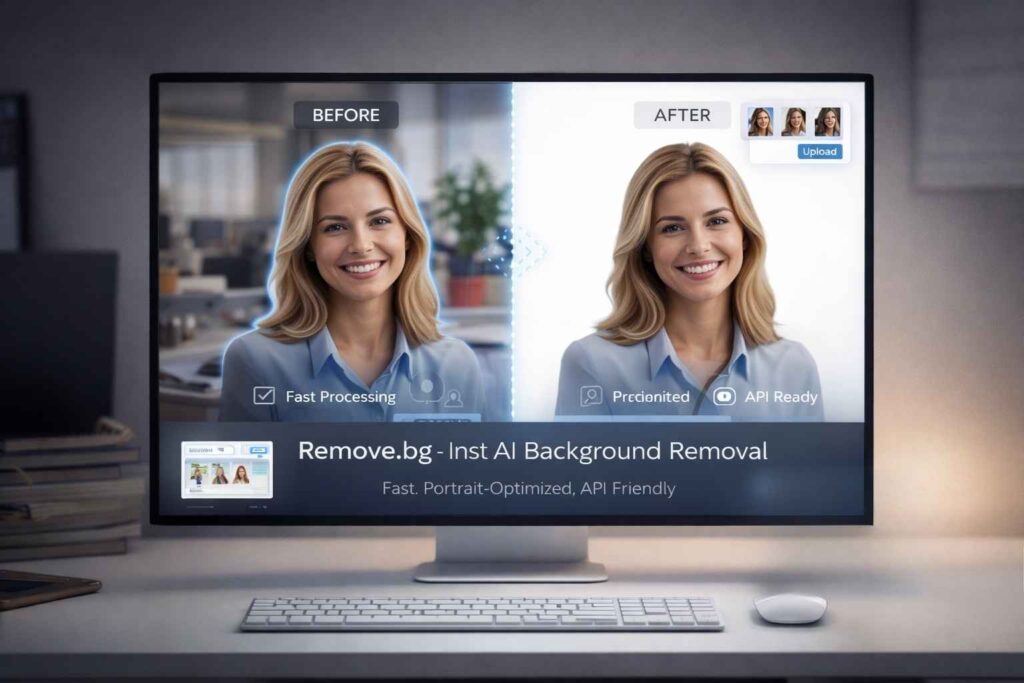
1. Remove.bg
Remove.bg is likely the best-known service for AI-based background removal. Their tool was designed solely for the purpose of quickly isolating a subject without manually masking it.
The speed at which this tool can extract complex shapes such as faces, hair and shoulders makes it ideal for isolating individual subjects (e.g., professional photos of individuals and single-item images). The API component of the service also provides a means to automate the process if you have a significant number of images, such as those associated with employee profiles or product shots.
Its quickness is its greatest asset, but it is not as good at doing detailed refining as it is at quickly isolating and extracting objects. For example, complex images where there are overlapping objects, semi-translucent materials or reflection from objects (such as jewellery) may leave the edges of the extracted area imperfect after the extraction is completed. This often leads to requiring manual refining after the initial export to deliver high-resolution quality images for commercial use or for use in advertising.
Pros: Very fast processing, good extraction of portraits, easy bulk API integration
Cons: Limited manual editing, charges for high-definition copies, not as accurate when extracting detailed products.
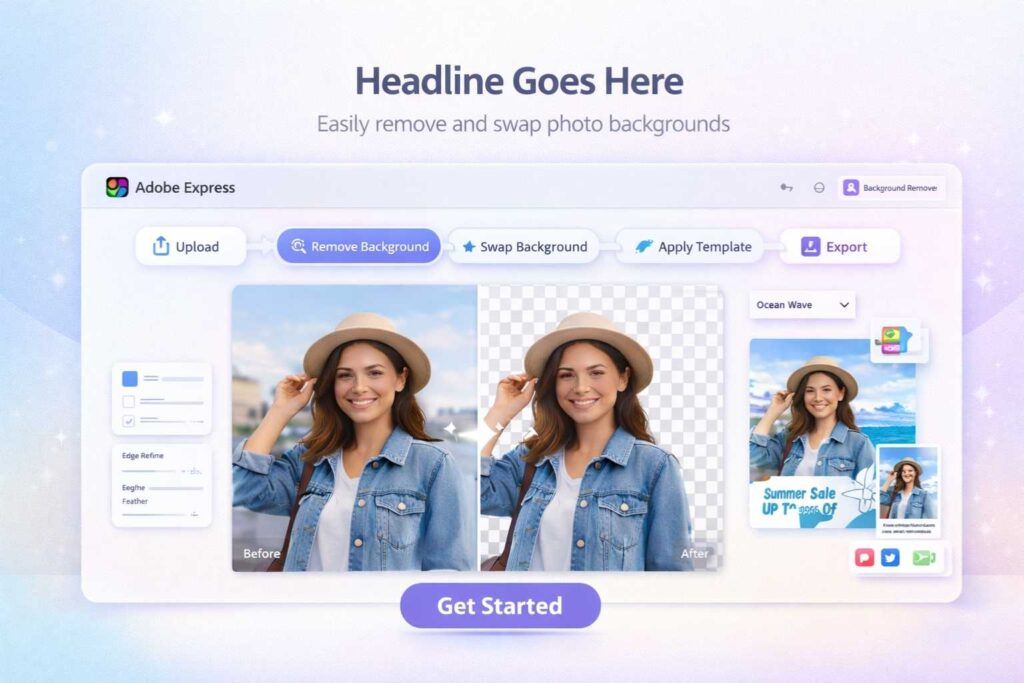
2. Adobe Express Background Remover
With Adobe Express you can access an easy-to-use online background removal solution powered by Adobe’s intelligence engine. Perfect for marketers or content developers needing fast modifications without having to open more complex desktop applications.
Adobe’s connectivity provides users with the ability to instantly swap out backgrounds, use brand templates, as well as produce social or advertisement creatives. The results of edge detection tend to be quite clean (as long as you use decent lighting on your images).
However, you might find that Adobe Express (though providing some degree of precision) will not provide the same level of refinement in mass transfer as Adobe Photoshop can. Although the edge detections have been reported as generally very clean; Products that complete the definition of fine hair, lace, glass (etc.) or product shadows may require professional retouching for producing “perfect” commercial quality.
Pros: clean AI detections, seamless workflow, easy for people to use
Cons: limited precision controls, must log in, not best suited for “higher-end” commercial imagery

3. Canva Background Remover
The background eliminator from Canva can be accessed directly from the interface where you create your designs. So small businesses and social media managers have convenience right there at hand!
The biggest benefit of using this product is saving time in your workflow. By removing a background, you can then drop that object into the ads, banners, presentations, or marketplace templates all in under 5 minutes. Being able to do this quickly is of great value to an entrepreneur who creates their own marketing materials.
While Canva offers a fast option to eliminate backgrounds, they prefer speed over pixel-perfect results. The edges of detailed hair or textured products may have a very soft edge. Many times with premium catalogs or print advertising, additional cleanup work will be required before printing.
Pros: Integrated design workflow, intuitive interface, fast output
Cons: Pro subscription required, limited edge refinement, not built for luxury campaigns
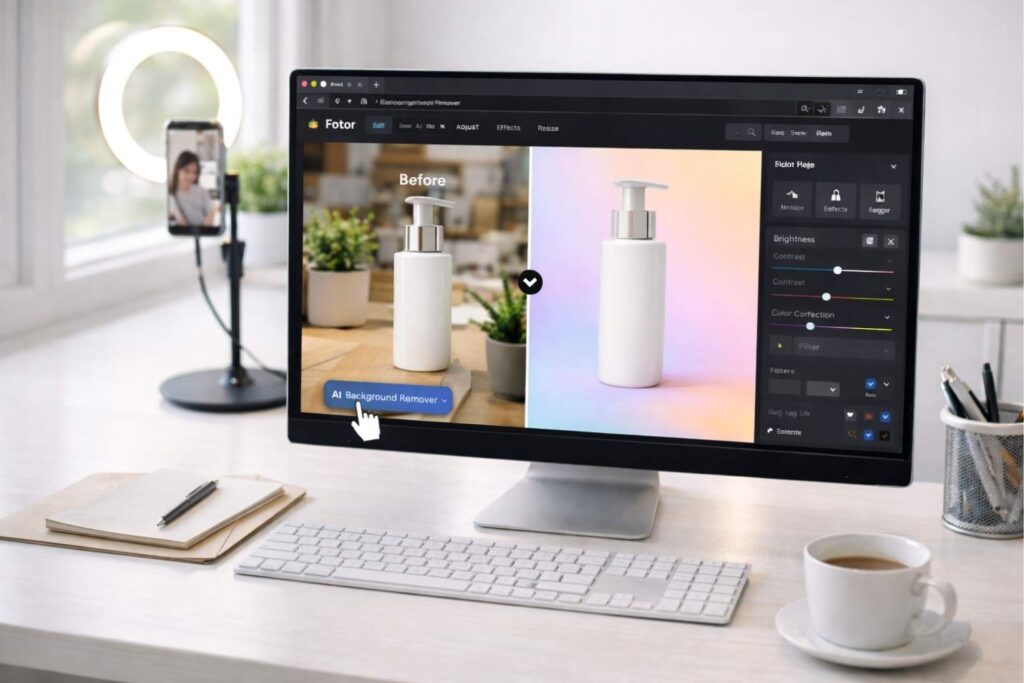
4. Fotor AI Background Remover
The AI Background Remover tool from Fotor has many editing functions such as Brightness Adjustments, Colour Corrections and Filters. It is ideal for small product sellers, bloggers and influencers because it creates web-ready images in an easy and quick way.
The AI tool has done a great job when the subject matter is distinct and separate from its background. It’s a great option for social media posts as well as more casual marketing materials.
However, the tools limitations are complex edges, layers of composition and retaining natural shadows. If you want to present products like a professional then you might need to edit the results to get them to look how you would like them to.
Pros: All-in-one editing, easy interface, browser-based
Cons: Less accurate with complex edges, limited professional masking tools
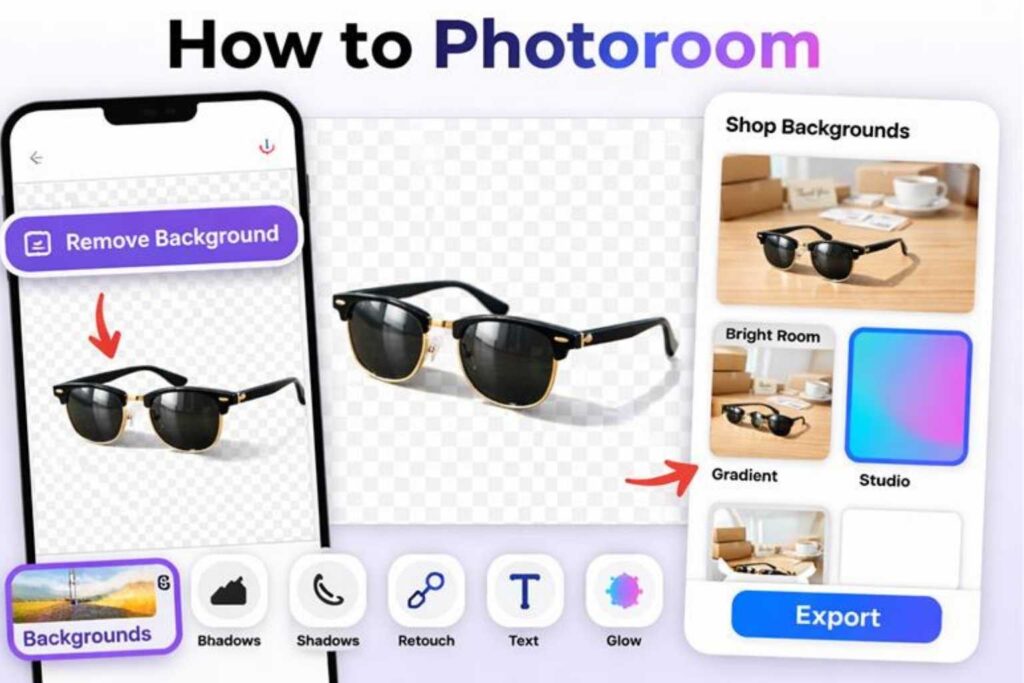
5. PhotoRoom
PhotoRoom is one of the hottest tools around for selling products online. It lets users remove backgrounds and apply pre-made white/other styled backgrounds that have been created specifically for selling products online as well.
It also runs as a mobile app, allowing small business owners to photograph their products with a smartphone to create marketplace-ready images in just a few minutes versus the hour it would take to edit and create such images manually.
There are times when the automatic background removal creates a less than realistic image. For example, the shadows created and/or reflections created may look “off” until they are fixed manually using another editing application.
Pros: Built for product sellers, mobile app support, quick marketplace-ready images
Cons: Limited natural shadow control, watermark in free version, less suitable for premium branding
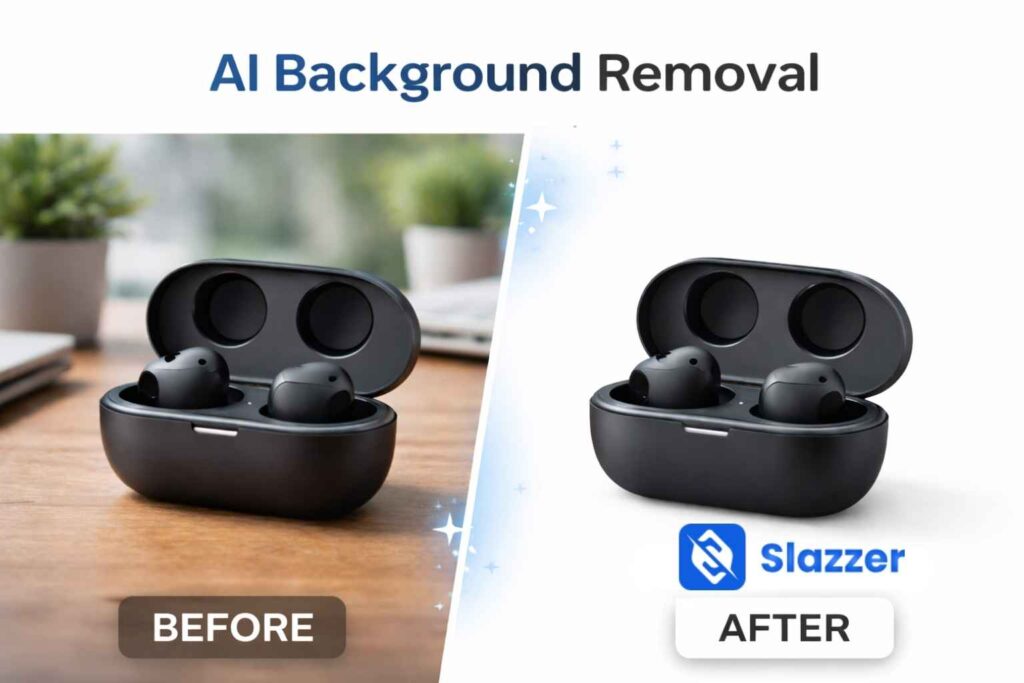
6. Slazzer
The emphasis of Slazzer is to achieve scalability. It can accommodate the need for bulk processing of images, and is complete with an API integration option. This is very beneficial for companies and agencies that work with thousands of product image files.
The AI engine is able to successfully process both people and object images effectively. The actual time spent on the editing process will be dramatically reduced in high-volume applications.
As is the case with most automated systems, the amount of precision on the edge detail of an image is dependent upon its complexity; therefore, luxury or complicated product images may still need manual refinishing after they have been created through automation.
Pros: Bulk processing, API access, scalable workflow
Cons: Inconsistent edge precision for complex objects, paid HD downloads
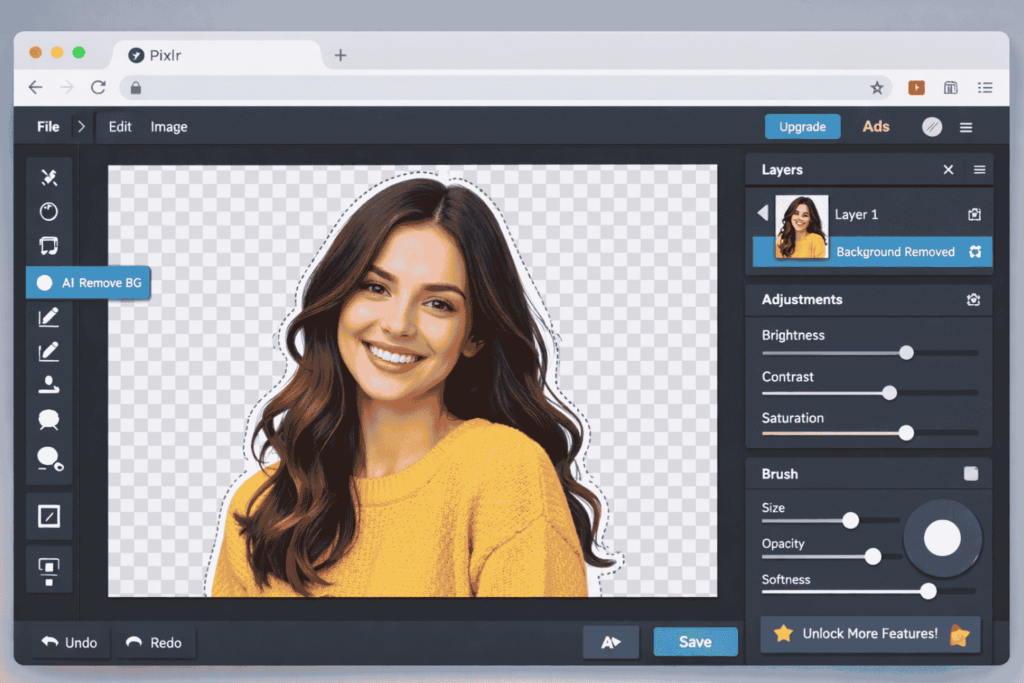
7. Pixlr Remove Background Tool
In addition to automated and semi-automated editing, Pixlr also has an AI background removal tool that is lightweight enough to run from a web browser, so it appeals to users who want both forms of automation and manual editing at the same time.
Once the user has removed the background, he/she can continue to improve their photo through layering and changing colours; in this sense, Pixlr gives users a greater variety of combinations than many straight one-click solutions.
However, the accuracy of the masking may not reach the same level of quality that is required for professional use.
Pros: Integrated editor, accessible interface, free option available
Cons: Ads in free version, less reliable for complex commercial imagery
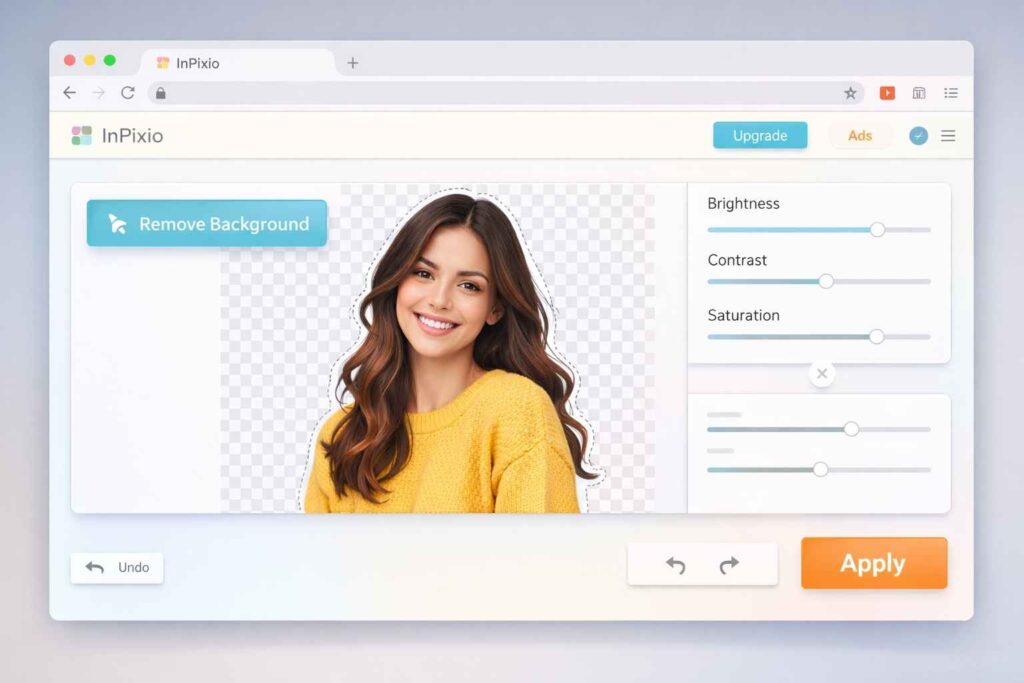
8. InPixio Background Remover
With an emphasis on ease of use, InPixio will be ideal for those who aren’t familiar with technical aspects and require a speedy solution to remove backgrounds from their portraits and basic product images.
The interface is straightforward and uncomplicated, easily navigated by someone who hasn’t previously edited photos. Suggestions may include additional advanced masking or refine edge capabilities which would be beneficial for advertising agencies that are conducting their own unique campaigns and/or those of their clients.
Pros: Beginner-friendly, quick automation, easy workflow
Cons: Limited fine detailing, not ideal for advanced commercial use
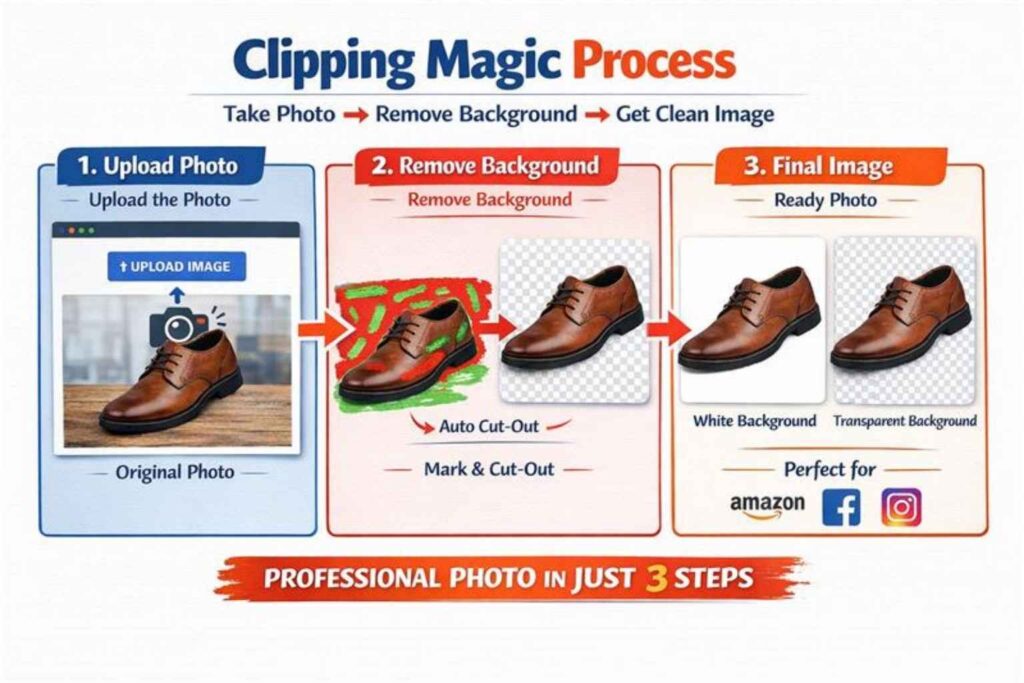
9. Clipping Magic
What makes Clipping Magic unique is that it offers the perfect mix of an automated AI online tool and manual refinement brushes that allow users to mark both a foreground and background area for greater accuracy.
By using a combination of manual and automatic editing, the hybrid system produces a more accurate cutting solution than using solely automated AI tools. This has proven particularly useful for product photography where the product has defined lines and shapes.
Clipping Magic does require more editing time than an instant AI-only creation.
Pros: Manual refinement options, adjustable edge smoothing, better control
Cons: Slower workflow, subscription required, not fully automatic
10. Depositphotos Background Remover
An AI background remover developed by Depositphotos is designed mostly for marketers or creators of content who produce stock quality photos. The AI works quickly and efficiently with simple marketing visuals; however, it does not have the capability to provide high-resolution commercial/production images, nor can it accurately mask products that require detailed precision.
Pros: Fast processing, easy to use, suitable for marketing graphics
Cons: Limited advanced controls, not ideal for detailed professional photography
Where AI Background Removal Performs Best
Speed and volume are key strengths of AI technology in numerous applications. Companies with large product catalogs can efficiently process many hundreds of image files in just a few minutes. Also, social media specialists can create advertising materials more quickly with little or no formal photo-editing experience.
For most start-ups that run on a tight budget, AI provides an accessible means to create visually attractive content previously out of reach. By making it easier for users to produce professional quality visual assets, AI effectively reduces the barrier to entry for companies looking for good photographs.
When composition is relatively straightforward with one type of illumination, AI background remover tools can also yield excellent results when backgrounds and subjects are very distinct from each other.
Where Professional Background Removal Services Still Lead
While AI technologies are rapidly progressing, they struggle with many aspects of complexity. For example, fine hair texture requires careful manual treatment on the edges to avoid appearing unnatural. In addition, transparent objects (e.g., glass) require detailed adjustment for layers to maintain realism, and natural shadow gradients may need to be recreated in order to avoid flatness.
Professional Image Background Alteration Services include (but are not limited to), edge refinement, balancing of shadows, correction of colour and realistic blending. Each image is treated as an individual and customized for that instance; therefore, professional services cannot depend on predictive automation as their only source of work is the actual image.
In fashion campaigns, including jewelry, beauty advertising and high-quality printing; this precision creates a direct impact on your brand reputation.
Professional retouching services also provide consistency among your collection of products that cannot be achieved solely through an AI process.
The Hybrid Workflow: Efficiency Meets Precision
The most effective brands now opt for both AI and human editing together instead of just one or the other.
AI can perform large amounts of background removal while images are still being produced. After images are chosen for final production, retouching by a professional photo editor is done to prepare for release to consumers.
This combination of efficiency and quality gives brands the best of both worlds.
By automating tasks that can be automated, brands can increase the speed at which they create products and bring them to market.
And they can count on the high standards of craftsmanship provided by professionals who specialize in photography editing.
Can AI Background Removal Replace Professional Photo Retouching Services?
AI tools are excellent for speed and convenience. They are ideal for:
- Social media posts
- Basic eCommerce listings
- Marketing mockups
- Quick profile images
However, they cannot fully replace professional photo retouching services when it comes to:
- Complex hair masking
- Transparent or reflective objects
- Jewelry and fashion photography
- Luxury product editing
- High-end commercial advertising
- Natural shadow creation
- Advanced compositing
The actual value of Professional Background Removal Services comes from professional retouchers who use their skills to manually refine edge, maintain natural shadows, and texture, as well as to seamlessly integrate a subject into a new background.
For companies that depend upon visual perfection, combining the speed of AI with the skills of a professional will yield the highest quality of work.
Final Thoughts
The development of AI-based tools for removing image backgrounds has redefined how images are edited quickly. By using these applications, businesses save time and effort when creating an accurate clean image to use on their website.
Nonetheless, there is still no substitute for professional editing when it comes to producing high-quality images that create trust and drive sales. For those businesses that take their brand seriously, AI can assist with the initial masking of an image, while a trained professional can complete the retouching of said image.
If you are looking for speedy completion, using an AI tool for your initial masking of an image is a good first step. If, however, you want your image’s final product to be flawless, then it makes more sense to use professional Background Removal Services.
Leave a Reply